AWS Naming Conventions for Brownfield IaC Without Production Surprises
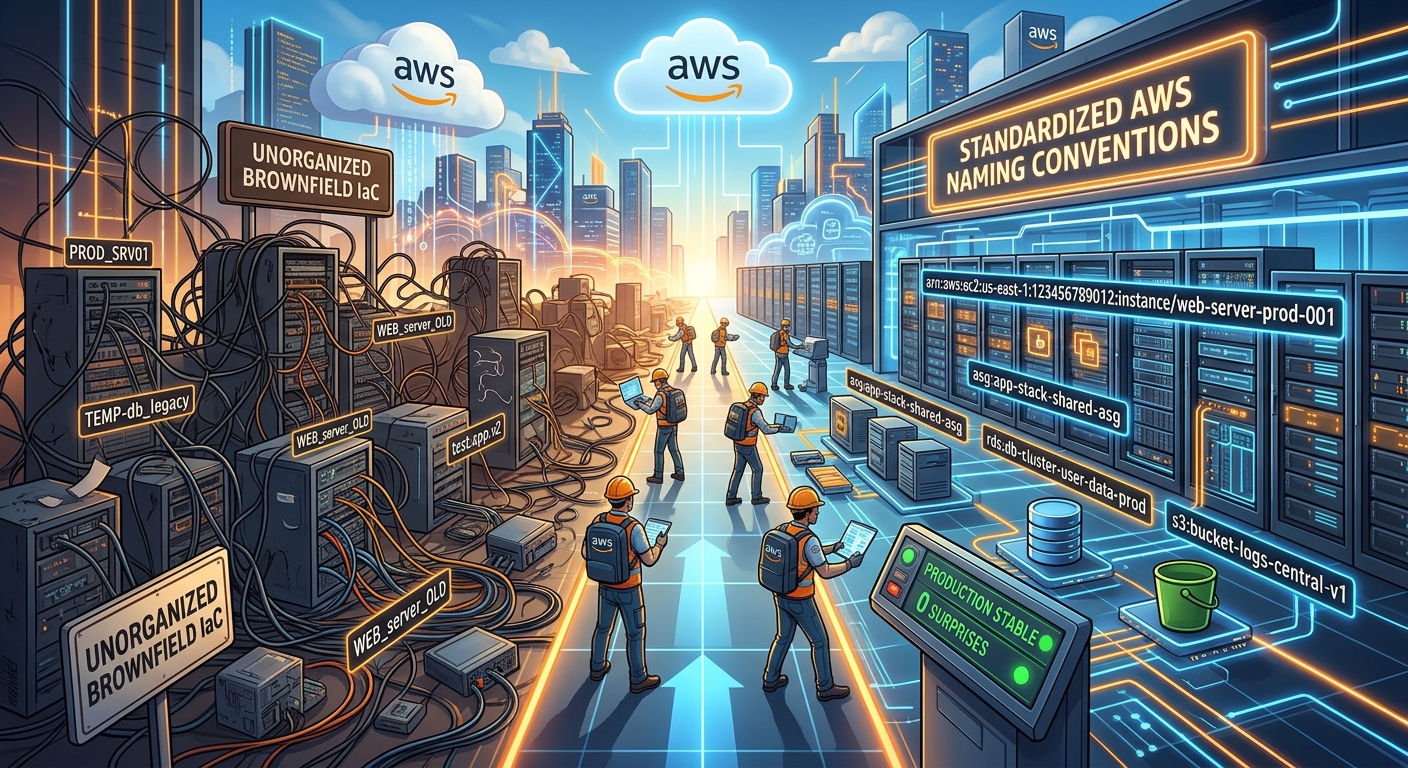
A tidy naming convention can become an outage when it reaches an existing production resource. Your team imports an old IAM role, adjusts its name to match a new standard, and opens a plan expecting harmless cleanup. The plan proposes replacement. That role already has consumers, permissions, and deployment jobs attached to its identity. A cosmetic change now needs an operational migration.
Bringing existing AWS infrastructure under Infrastructure as Code starts with accepting what already exists. Give the code clear names. Preserve live identifiers. Then inspect every proposed change before granting the tool permission to act. Naming improvements can follow once you have a trusted baseline.
The Import Safety Brief
- Keep logical identifiers separate from physical resource names.
- Copy live identifiers exactly, including capitalization and paths.
- Prepare an inventory before generating or importing configuration.
- Require an import plan with no unintended infrastructure changes.
- Treat live renaming as a separate migration.
Separate Code Identity From AWS Identity
The word “name” hides several different concepts. Before choosing a convention, identify which layer you are changing.
A Terraform resource address identifies an object within Terraform configuration and state. A CloudFormation logical ID identifies a resource within a template. Neither automatically equals the resource name that applications or operators use in AWS.
A physical name is a service property, perhaps an IAM role name or an RDS DB instance identifier. Other resources have service-assigned IDs. An EC2 instance, for example, has an instance ID regardless of its human-readable Name tag.
Three Names With Different Jobs
| Identity Layer | Example | What It Controls |
|---|---|---|
| Terraform address | aws_iam_role.payments_worker |
The resource’s identity in configuration and state. |
| Physical role name | PaymentsWorkerProd |
The existing IAM role’s service-level name. |
| Inventory label | Payments Production Worker | How people recognize the resource in documentation. |
You can choose payments_worker as a readable Terraform label while retaining PaymentsWorkerProd as the physical name. There is no need to make both strings match.
After a resource enters state, however, changing its Terraform address requires an explicit state mapping, commonly a moved block. Otherwise, Terraform can interpret the old address as removed and the new address as a resource to create. CloudFormation logical ID changes also need careful treatment because logical IDs carry resource identity within the stack.
Choose Conventions That Respect Existing Resources
For Terraform labels, a consistent lowercase convention with underscores makes references easy to read. Choose labels that describe responsibility, perhaps payments_worker or orders_primary. Avoid names tied to incidental details that may change next quarter.
Environment and region do not need to appear in every label when the surrounding module or deployment boundary already supplies that context. A label repeated across separate states can remain clear. A resource imported into the wrong account cannot.
Document a separate convention for newly created physical resources. AWS services have different naming constraints and uniqueness scopes. One universal string template will not fit every service.
For inherited resources, record exceptions directly in configuration. A brief explanation that a legacy name is retained because production consumers depend on it can prevent a future cleanup pull request from reopening the same risk.
Prepare an Inventory That Keeps Identifiers Intact
Build an inventory before importing anything. Capture enough context to tell two similar resources apart without relying on memory or a console tab.
- Record the AWS account, region where applicable, resource type, and exact import identifier.
- Keep physical names, ARNs, paths, and human-readable labels in separate fields.
- Assign the intended configuration address and identify any existing IaC owner.
- Record dependencies, service owners, and the evidence used to verify each resource.
Human-readable labels can benefit from consistent capitalization. An optional text case converter can help standardize those labels when consolidating inventory notes from several teams. Apply it only to descriptive text. Preserve actual resource identifiers verbatim, including mixed case, punctuation, paths, and trailing characters.
For example, “PAYMENTS worker production” can become “Payments Worker Production” in the label column. The adjacent role name PaymentsWorkerProd stays untouched. Never run case conversion across a spreadsheet column that contains identifiers.
Also distinguish an ARN from the identifier expected by an import operation. A provider may require a role name, a resource ID, or a composite value. Route53 records need more context than a display label because a hosted zone can contain several record types and routing variants for related names.
Verify ownership before adoption. A resource already controlled by another Terraform state, a CloudFormation stack, or a different deployment system needs an ownership transfer plan. Two controllers managing the same properties can repeatedly undo each other’s changes.
Import a Small Batch Into a Reproducible Workspace
Start with a narrow batch whose dependencies you understand. A handful of resources gives you room to review provider behavior without burying a dangerous change in hundreds of generated blocks.
Pin the Terraform and provider versions used for adoption. Confirm the backend, workspace, credentials, account, and region. Exporting configuration from the correct resource means little if the next command targets a different environment.
- Capture the live configuration and dependency relationships using read-only access.
- Create destination resource blocks or generate candidate configuration for review.
- Match each import identifier to exactly one intended configuration address.
- Run a plan and reconcile configuration until infrastructure changes disappear.
- Apply the reviewed import plan, then run another plan to verify the baseline.
For a small Terraform example, an existing CloudWatch log group can retain its physical name while receiving a readable configuration label:
resource "aws_cloudwatch_log_group" "payments_worker" {
  name              = "/legacy/PaymentsWorker"
  retention_in_days = 30

  lifecycle {
    prevent_destroy = true
  }
}

import {
  to = aws_cloudwatch_log_group.payments_worker
  id = "/legacy/PaymentsWorker"
}
This example assumes the live retention period is already 30 days. If it is different, copying this block would propose a retention change. Existing tags, provider default tags, encryption settings, and other managed properties also need review.
Terraform supports reviewing declarative imports through its normal resource import workflow. The resource configuration still matters: import establishes the association with an existing object, while the plan reveals whether the declared settings match it.
Generated exports are useful starting material. Inspect them for computed attributes, sensitive values, unnecessary defaults, and resources owned elsewhere. Keep the first adoption change focused on representing current behavior.
Read the Plan as an Operational Change Request
A successful import message does not establish that the next apply is safe. The meaningful checkpoint is the proposed infrastructure behavior.
Before applying a declarative import, expect the intended import actions and no unintended additions, updates, or deletions. After adoption, aim for a normal plan with no changes. A refresh-only plan cannot substitute for this check because it does not test whether your configuration would alter infrastructure.
- Stop on unexpected creation, destruction, or replacement actions.
- Inspect every changed name, identifier, path, network setting, and encryption property.
- Review in-place updates for access, connectivity, retention, and application effects.
- Trace changes through dependent resources, including policies, DNS records, and attachments.
- Resolve unknown values that prevent a confident assessment of sensitive resources.
Terraform replacement markers, including -/+ and +/-, deserve immediate attention. Read the attributes associated with replacement. A mismatched physical name may be the cause, but immutable properties, provider behavior, and dependency changes can produce the same outcome.
Zero replacements is necessary for a straightforward adoption, but it is not sufficient. An in-place security group rule update can interrupt traffic. An IAM trust policy update can break a deployment. A retention change can affect stored logs. Read the actual properties, not just the summary counts.
For CloudFormation, inspect the import change set and review subsequent updates separately. Custom names deserve special care: AWS documents that resources requiring replacement may need a new name under its custom naming rules. A cleaner name can therefore become a separate resource migration.
Use Guardrails Without Hiding Configuration Errors
Terraform’s prevent_destroy can block planned destruction while the rule remains in configuration. It is useful for critical adopted resources, but it is not an AWS-level lock. Removing the resource block also removes that configured protection.
CloudFormation retention policies can help preserve resources during supported deletion or replacement operations. They do not make an incorrect template safe. A retained resource can survive while applications lose the references or permissions they need.
Avoid adding broad ignore_changes rules merely to obtain an empty plan. Those rules reduce visibility into the properties you intended IaC to control. Use them only where ownership is deliberate, documented, and narrow.
Protect state and plan files as sensitive operational artifacts. They can contain resource details and secret values. Use a secured backend, controlled access, and locking where supported. Preserve recoverable state versions before ownership changes.
Move Naming Cleanup Into Its Own Migration
Once the baseline is stable, separate code refactoring from physical renaming. A Terraform label change can often use a moved block to preserve the existing association. Review the resulting plan and confirm that AWS resources remain unchanged.
A physical rename needs service-specific analysis. Check application configuration, IAM references, monitoring, DNS, deployment pipelines, and external integrations. Some services support an update with operational consequences. Others require replacement or a new resource.
For a production database, assess endpoint effects, reconnect behavior, maintenance timing, backups, and a tested recovery path. For an IAM role, assess trust relationships and consumers that reference its ARN. Recreating a role under the same visible name does not guarantee every identity-based relationship survives.
Keep those migrations in separate changes with their own acceptance criteria. Adoption should establish control. Renaming should have a stated operational benefit strong enough to justify its risk.
Make the Next Production Plan Predictable
The best brownfield naming convention gives engineers clear code without rewriting production history. Logical labels explain intent. Inventory labels help people communicate. Physical names and import identifiers preserve the connections already keeping services running.
Finish adoption with a reviewed import, a clean normal plan, a clear owner, and repeatable CI checks. Continue checking for drift afterward. An empty plan confirms agreement for the resources and properties your configuration manages, so keep inventory coverage visible too.
When someone later proposes a cleaner name, the team can judge it as a deliberate migration. That is the useful outcome: naming decisions become reviewable engineering work, and production keeps its footing.